
An A/B Campaign lets you send two different versions of the same email to your subscribers to see which one performs better. The two versions are called Variant A and Variant B. You can test anything between them, whether that is the subject line, preview text, or the email content itself, making it a great way to understand what works best for your audience.
Campaign Info
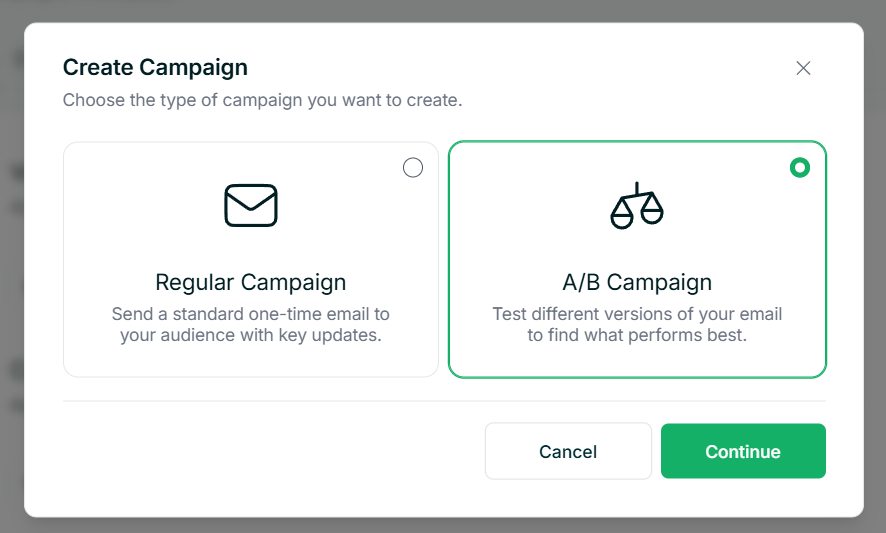
Inside your workspace, navigate to Campaigns in the left sidebar and click to create a new campaign. When choosing your campaign type, select A/B Campaign.
Designing Your Variants
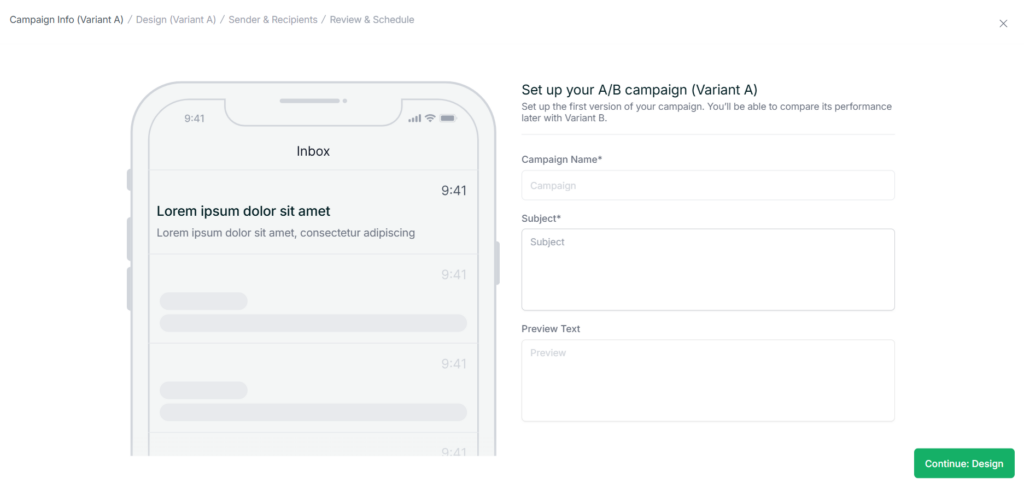
Next, you will design your two versions of the email. Start with Variant A, the process here is the same as designing a Regular Campaign. Choose from Templates, Gallery, or HTML Code, then build out your email in the editor. Once you are happy with Variant A, save and continue.
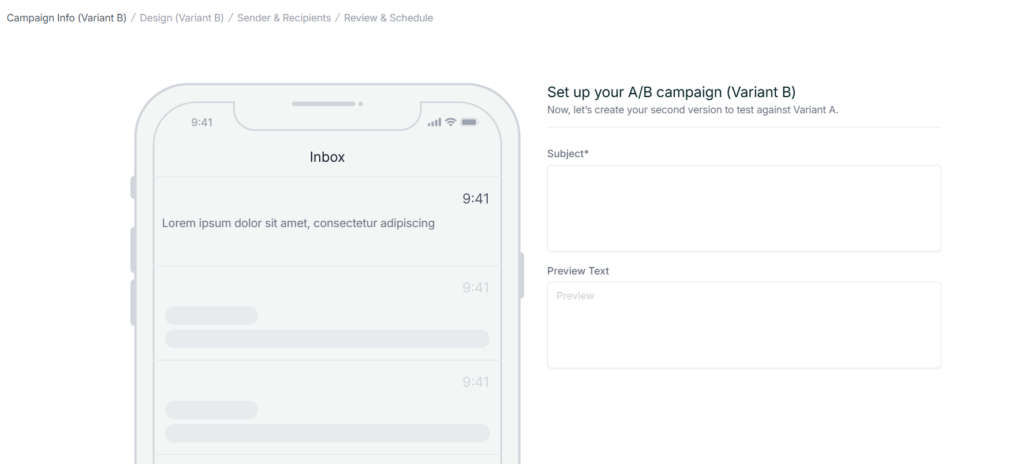
Once you are done, you will be brought back to set up Variant B, where you can set a different subject line, preview text, or go into the editor and design an entirely different version of the email. You can send a Test Email for either variant at any point to see how it looks in a real inbox.
Sender and Recipients
This step works the same as a Regular Campaign. Choose your sender identity, set a reply-to address if needed, and define who should receive the campaign. You can send to your entire audience, a specific tag, or a saved segment, and exclude any subscribers if needed.
Review and Schedule
The final step gives you an overview of both variants so you can review them before sending. You can send a Test Email for either variant at any point to see how it looks in a real inbox.
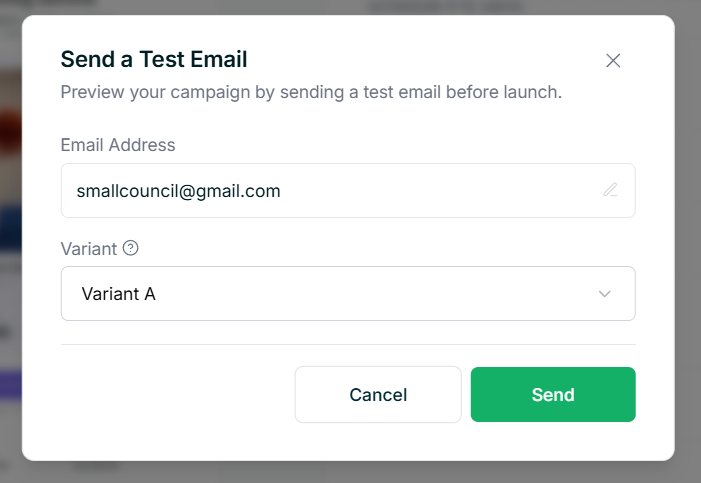
Once you are satisfied, you can send the campaign immediately or schedule it for a later date and time.
Tips
- Try changing up different things between your variants. The more you experiment with content, subject lines, and preview text, the better you will understand what works best for your subscribers.
- Scheduling your campaign for a time when your subscribers are most likely to check their inbox can help improve open rates.