
If you’ve forgotten your password or just want to update it, you can easily reset it depending on whether you’re logged in or not.
If You’re Not Logged In
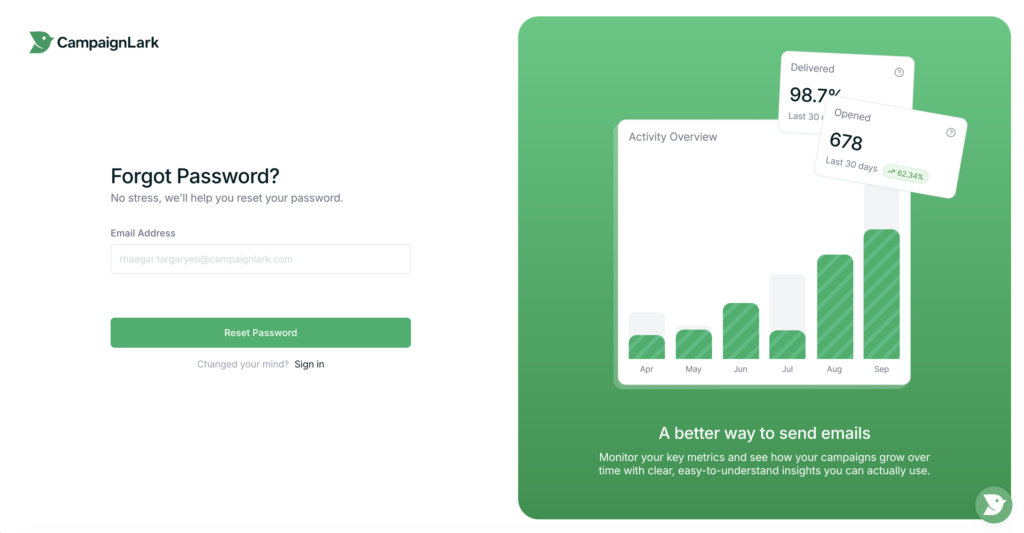
- Go to the password reset page:
https://my.campaignlark.com/account/reset-password - Enter your email address.
- Click submit.
- Check your inbox for a “Reset Password” email.
- Click the link in the email.
- Fill out the form with your new password and confirm the change.
If You’re Already Logged In
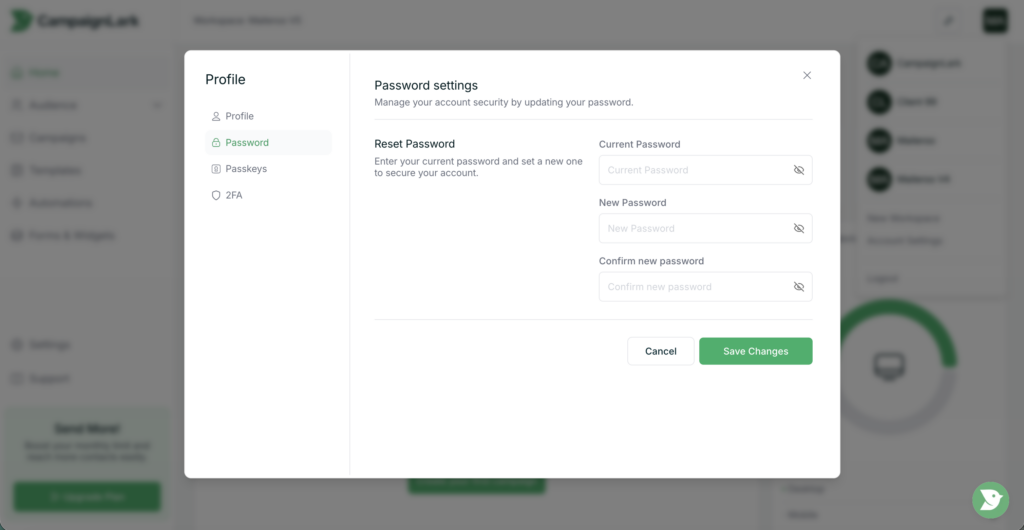
- Click your profile icon in the top-right corner.
- Select “Account Settings.”
- Navigate to the “Password” tab.
- Enter your new password and save your changes.
Tips
- Make sure to check your spam/junk folder if you don’t receive the reset email.
- Use a strong, unique password for better security.
If you run into any issues, feel free to reach out to support.