
You can easily update the email address associated with your account from your account settings.
Updating Your Email Address
- Click your profile icon in the top-right corner.
- Select “Account Settings.”
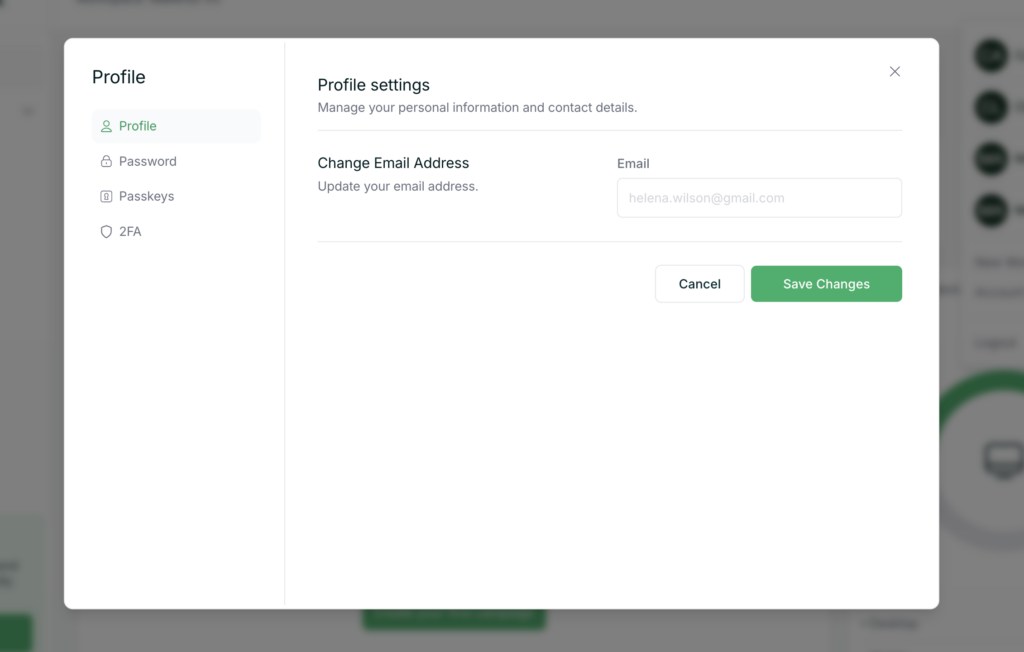
- Navigate to the “Profile” tab.
- Update your email address in the relevant field.
- Save your changes.
What to Expect
- Your new email address will be used for login and account-related notifications.
- You may be asked to verify your new email address before the change takes effect.
Tips
- Make sure you have access to your new email inbox to complete any verification steps.
- Double-check for typos before saving your new email.
If you run into any issues, feel free to contact support.